
How Much Electricity Does a TV Use?
It’s easy to let the TV run for hours on end, especially when there’s a good series to binge. With energy bills rising, more of us are paying closer attention to where the money goes. If you want to understand how much electricity a TV uses, the costs are broken down below to show how your viewing habits affect your energy bill. It’s easy to check the stats for your specific set once you know what to look for, and with a few practical tips to keep your energy spending in check, you won’t have to sacrifice your Netflix time just to save a few quid.
Understanding TV Electricity Consumption
Not all TVs are built the same when it comes to your electric bill. While modern screens are significantly more efficient than older, bulkier models, the specific tech inside your screen still has a massive say in how much power is pulled from the socket during your favourite shows. If you're looking for broader ways to reduce utility costs, knowing these details is a key part of learning how to save energy at home.
How TVs Consume Electricity
Think of your TV’s power draw in two parts: the light you see and the tech you don't. The panel uses energy to produce the picture, but modern sets are also packed with processors that manage everything from high-speed Wi-Fi to "upscaling" the image quality. If you want to know what’s hitting your bill, you’ve got to account for both.
It’s not just about how bright the screen is; it’s about how much power those "smart" components are guzzling while they keep everything running smoothly. Just as a modern battery management system handles energy flow to keep hardware safe and efficient, your TV's internal tech is constantly working behind the scenes.
Factors That Affect TV Power Usage
Screen Size: It sounds obvious, but size matters here. A bigger screen means more area to light up, so it's almost always going to be more expensive to run than a compact model.
Display Technology: Not all TVs are made the same when it comes to the bill. For example, an OLED is a winner for dark films because it can literally turn its pixels off. But a QLED is a different story; it often pulls way more juice just to get those bright, punchy colours looking right.
Brightness Settings: This is the big one. The higher you crank the brightness, the more you're paying. If your telly has a light sensor, just use it. The telly will just dim itself once the lights go down, saving you a bit of cash without you having to do anything.
Volume Levels: Don't overlook the speakers when you're thinking about costs. Driving the speakers at full blast requires a bit of extra power, adding to the overall cost of your viewing. It's not going to double your bill or anything, but every little bit counts when you’re trying to keep your household energy in check.
Additional Features: You’ve got to factor in things like Wi-Fi and apps running in the background. If you're using HDR or gaming modes, the TV is definitely pulling more juice from the wall.
Usage Duration: It’s a bit of a no-brainer, but the more the telly is on, the more it costs you. If it’s running as background noise all day, that’s going to be the biggest hit to your yearly bill.
Energy Efficiency Rating: It really pays to check the rating. A well-designed TV is clever enough to give you the same performance while keeping the power draw much lower, which is a massive win for your wallet. Understanding the energy efficiency rating system can help you make a much smarter choice when it's time to upgrade.
Average Power Consumption for Common TV Types
Depending on the tech under the hood, some TVs are much thirstier for electricity than others. To give you a rough idea of how much electricity a TV uses per hour, we’ve put together a quick guide to what the average UK home is using. The table below compares hourly power consumption for LED, OLED, and QLED sets, so you can see how the different sizes stack up against each other.
| Screen Size | LED Power Consumption (W) | OLED Power Consumption (W) | QLED Power Consumption (W) |
|---|---|---|---|
| 43 inch | 40 – 70 | 80 – 120 | 70 – 110 |
| 55 inch | 50 – 100 | 100 – 150 | 80 – 160 |
| 65 inch | 70 – 120 | 120 – 170 | 100 – 180 |
How to Calculate Your TV’s Electricity Usage
A bit of quick maths is all it takes to move beyond the averages and see exactly what your TV is adding to your electric bill each month. You can even use an energy bill calculator to see how these figures stack up against the rest of your appliances.
1. Estimating Watts and Daily Usage
Start with the wattage. Most TVs have it on a small label on the back, or you can look it up online if the manual’s long gone. The picture mode matters too — HDR and Standard use more power than Eco. From there, it’s just time × power. So if your TV is 100W and it’s on for five hours, that’s roughly 500 watt-hours. That gives you a decent idea of what a day’s worth of watching is adding to your bill.
2. Converting Power Usage to kWh and Cost
In the UK, electricity’s billed in kilowatt hours. All you really do is knock three zeros off your daily watt hours. So 500Wh becomes 0.5kWh. Then check your unit rate, say it’s 25p per kWh, and that puts your TV at about 12½p a day. It doesn’t sound like much, but add it up over a year, and it’s more than most people expect.
3. Using Online Calculators or Smart Plugs for Accuracy
If you want something a bit more accurate without overthinking it, a lot of people just use a smart plug. It sits between the TV plug and the socket and shows you the usage on your phone. You can even check how much power a full football match used, which makes it easier to see what your viewing actually costs in real money.
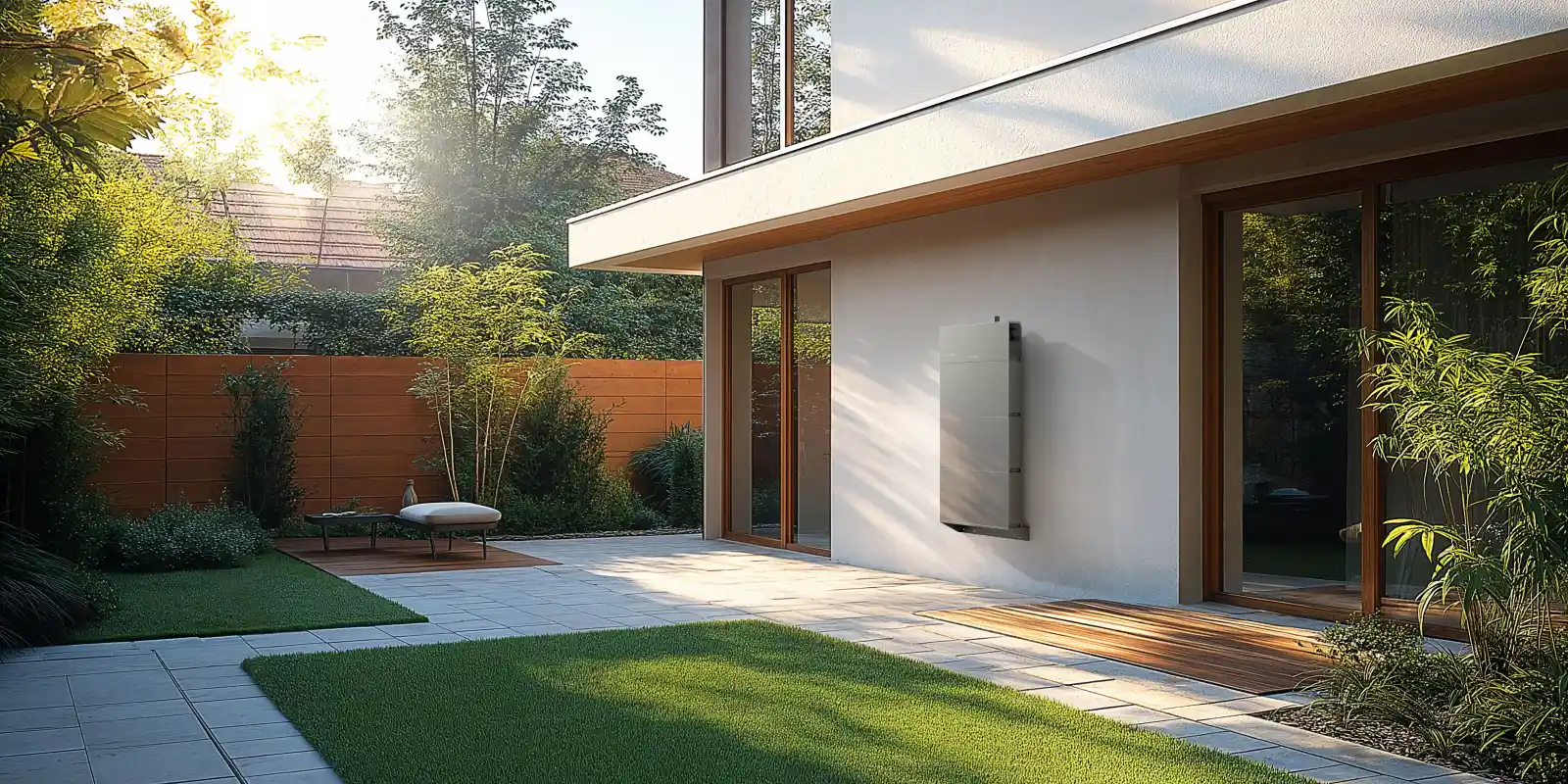
How TV Usage Impacts Your Energy Bill
It might seem like pennies, but over a year, it soon adds up, especially if you’re using a big screen or have the TV on a lot.
1. Typical Monthly and Annual Costs by TV Type
If you’re trying to work outhow much electricity does a TV useper month, and what that means over a year, the type of TV you have makes a difference. To show how this plays out on your bills, we’ve set the costs out by TV technology. The table below is based on a 55-inch set watched for around five hours a day, using the latest Ofgem energy price cap of 27.69p per kWh for January to March 2026.
| TV Type (55") | Average Wattage (W) | Monthly Consumption (kWh) | Estimated Monthly Cost (£) | Estimated Annual Cost (£) |
|---|---|---|---|---|
| Standard LED | 50 – 100 | 7.5 – 15 | £2.08 – £4.15 | £25.27 – £50.53 |
| OLED | 100 – 150 | 15 – 22.5 | £4.15 – £6.23 | £50.53 – £75.80 |
| QLED | 80 – 160 | 12 – 24 | £3.32 – £6.65 | £40.43 – £80.85 |
You can see from the table that some TVs use a lot more electricity than others. OLED and QLED models give you a brighter picture, but they’re pricier to run than basic LED sets. Stick with that for a year and you could be £50 worse off.
2. How Usage Patterns Change Consumption
While it is easy to assume the TV is a fixed cost, your daily habits play a massive role in the final reading on your smart meter. Here are common patterns that drive up bills:
Background Viewing: Leaving the TV on in the background can quietly add hours every day, and that soon bumps the cost up.Before you know it, it’s been on all day.
High-Intensity Gaming:Game Mode uses more power, plain and simple.It keeps things feeling smooth when you’re watching or playing, but that comes at a cost. The TV just uses more power than it would for normal viewing.
Streaming 4K and HDR Content: We all love a 4K film, but that extra detail means the TV has to work overtime. Using HDR or Ultra-HD draws noticeably more power than your typical soaps or daytime telly. It’s not a massive deal, but it’s definitely one of those "hidden" things that bumps up your electric bill if you’re a heavy streamer. Noticeably more power than watching everyday programmes like the news or soaps.
3. Hidden Costs: Standby Power Consumption
So, exactly how much electricity does a standby TV use? To be fair, most new sets are meant to pull less than a watt when they're "off," which sounds like next to nothing. But when you've got the telly, the soundbar, and the Sky box all sat there idling 24/7, those pennies start to add up. It’s basically a slow leak in your wallet, and by the end of the year, you’ve paid a decent chunk for power you never even used.
.jpg)
Ways to Reduce Your TV Electricity Consumption
You don't have to sit in the dark to save money.A few sensible changes can make your TV much cheaper to run.
1. Adjust Brightness and Picture Settings
Dynamic and Vivid modes use a lot more power than Eco or Standard. Switching over can cut electricity use by up to 30%, while also being easier on your eyes at night and kinder to the screen over time.The TV uses a light sensor to adjust the brightness to the room, rather than blasting it at full power. It saves energy, is more comfortable for late-night viewing, and can be kinder to the screen over time.
2. Turn Off TV Completely Instead of Standby
The easiest way to stop wasting power is to switch it off at the wall. A power strip for your TV, console and speakers means you can cut everything with one click. That way nothing’s quietly using electricity overnight or while everyone’s out at work or school.
3. Use Smart Plugs and Timers for Better Control
Smart plugs make it easy to switch everything off automatically at night. You can even turn the whole setup off with your voice when you leave the room, so nothing’s using power when no one’s there.
4. Integrate with Home Energy Systems
It’s much easier to manage TV energy use when it’s linked into a wider home energy system. Instead of guessing why your bill’s gone up, you can see exactly when the TV’s drawing power and how much it’s using. That puts you back in control.
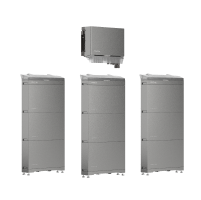
With a kit like the EcoFlow PowerOcean(Single Phase), you can store up energy when it’s cheap (or free from the sun) and use it to power your evening binge-watching. It’s a massive help for your wallet since you aren’t relying on the expensive grid stuff.
If you want to see the numbers for yourself, the EcoFlow PowerInsight 2 app shows you the live draw on your phone. You’ll quickly see that swapping to Eco Mode or lowering the backlight really does save a fair bit, helping you cut the waste without any real effort. Between smart plugs, live energy tracking and storage, you can keep TV costs under control while still enjoying it as normal.
5. Consider Energy-Efficient TV Models
When it’s time to upgrade, it’s worth checking the UK energy label, which runs from A to G. The newer ratings are tougher than they used to be, but choosing a better-rated model can still save you a fair bit over the years you own the TV. Newer, more efficient sets use improved backlighting and components that simply use less power.
Schedule Your Free Consultation Today!
What kind of product or solution are you interested in?
Conclusion
So, how much electricity does a TV actually use? Let's be honest, it’s rarely the worst offender in the house, but if it’s on most days, the cost does creep up. Screen size, the type of TV and how bright you run it all make a difference. A few small changes, plus the odd smart tool, can help keep things sensible without spoiling your viewing.
FAQs
1. How much does it cost to have a TV on for 24 hours?
Leaving the telly on 24/7 is obviously going to hit your pocket, but the actual damage depends on the set you've got and what you're paying for electric. For a standard 55-inch LED pulling about 75W, you’re looking at roughly 2 kWh a day—which works out to about 55p at the current UK rates. Mind you, if you’ve got a massive OLED or a QLED, it’s going to be a fair bit more expensive, so it really comes down to your specific model.
2. Do TVs draw power when off?
Yes.Even when the screen’s off, most TVs still use a tiny bit of power on standby. It’s usually less than a watt, which sounds like nothing, but it does start to add up if you’ve got a whole load of gadgets sat there idling 24/7. If you want to stop wasting those few extra quid, the best bet is to just flick the switch at the wall or use a proper power strip.
3. Is it better to turn off or sleep a TV?
Shutting it down completely is obviously better for your wallet, as sleep mode still keeps the meter ticking over. That said, if you’re in and out of the room all day, standby is a lot less of a faff since the telly pops back on instantly and handles its own updates. But if you’re heading to bed or out for the day, you’re better off flicking the switch to stop wasting power for no reason.
4. Should I turn my TV off at the wall every night?
If you're serious about keeping your bills down, then yes, turning it off at the wall is the way to go. It stops those "always-on" gadgets from ticking over all night. To make it easier, most people just use a power bar for their whole entertainment unit—one click before you go to bed and you’ve cut the power to everything. It’s a simple tweak that keeps a few extra quid in your pocket.
5. Are LED TVs always more efficient than OLED or QLED?
It does. LED TVs are traditionally the most efficient because they aren't working as hard to produce the image. QLED and OLED sets have a lot more going on under the hood, which usually means they're a bit more expensive to run. That's not always the case, as settings and screen size play a huge part. To be safe, have a look at the energy rating for each model before deciding.

