
Smart Meter Installation UK: Guide for Homeowners
Energy bills are still the talk of the town for all the wrong reasons. To help you shave a few pounds off your direct debit, we’re looking at why smart meters are worth the hype. No more ‘estimated’ nonsense—just clear data on what your kettle is actually costing you. We provide a comprehensive guide on the UK smart meter rollout, detailing how to book, install, and use the technology to manage household energy efficiently.
What Is a Smart Meter and How Does It Work?
Before we get into the how-to side of things, it helps to understand what this little box actually does.It’s essentially the digital upgrade your home's utility cupboard has been waiting for.
1. Differences Between Smart Meters and Traditional Meters
The old-school "dumb" meters require you to crawl into a dark corner with a torch to read spinning dials. A smart meter, however, is an electronic device that records your consumption of electricity and gas digitally. No more manual readings and no more "estimated" bills that leave you guessing.
2. SMETS1 vs SMETS2: What’s the Difference?
You might not realise it, but there are actually two kinds of smart meters in the UK — SMETS1 and SMETS2.
Basically, SMETS1 (Smart Metering Equipment Technical Specification 1) was the 'beta' version. They were great until you switched suppliers, and then they often stopped talking to the new company. The newer SMETS2 meters are the real deal—they stay connected to a central hub, so your data is always sent automatically, regardless of who your provider is. It’s the upgrade we actually needed from the start.
METS2 meters, on the other hand, are the second-generation standard now being installed nationwide. All the data goes through a secure central system, the Data Communications Company (DCC), and the whole rollout is regulated by Ofgem to make sure everything's fair and private. It’s basically the UK’s way of making sure the tech is standardized. That’s why SMETS2 meters are the way to go—they're future-proof, meaning they’ll keep talking to whoever is supplying your gas and electricity without any drama. However, many homeowners still wonder, are smart meters more expensive to run? In reality, they are a tool for saving, not an extra cost.
Not certain which version you have? Your energy provider can quickly check that for you.
3. Automatic Transmission of Energy Usage Data
The real magic happens via a secure national communication network managed by the Data Communications Company (DCC). Your smart meter sends your actual usage data directly to your energy supplier through this encrypted system.
The UK’s rollout is supported by Smart Energy GB and regulated by Ofgem, ensuring that high standards for your data privacy and consumer protection are always the priority.
4. Benefits of Installing a Smart Meter for UK Households
For many UK families, the biggest draw is the In-Home Display (IHD). It shows you your spending in pounds and pence in near real-time. It’s a bit of a wake-up call when you see the display spike because someone’s left the immersion heater on, making it a brilliant tool for cutting down waste.
What Should You Expect During Smart Meter Installation?
Having a meter installed is a pretty simple job, really, but doing a bit of groundwork first ensures the engineer can just get on with it without any drama.
1. Pre-Installation Requirements and Booking
Most UK suppliers are currently rolling these out for free. You simply book a slot online or over the phone. You’ll need to be the account holder, and someone over 18 must be home to let the engineer in.
2. Access and Technical Preparation
The engineer will need clear access to your existing gas and electricity meters. If yours are tucked behind a heavy wardrobe or high up on a wall, try to clear the area before they arrive. They’ll also check that your home has a decent signal for the smart network to communicate.
3. Installation Procedure by Certified Engineers
Only a qualified, DBS-checked engineer should perform the installation, and all work complies with UK gas and electrical safety regulations. They’ll swap out the old meters, check for gas leaks, and set up your portable In-Home Display. This device is your first step in learning how to save energy at home by providing a clear view of your real-time consumption.
4. Duration and Temporary Power Interruption
Installation normally takes 1–2 hours. You’ll get a short power and gas cut, typically around half an hour, meaning your appliances won’t work. Best to hold off on starting a Sunday roast or doing the laundry until they’ve finished.
How to Get the Most from Your Smart Meter
Once the engineer leaves, the real fun begins. However, seeing the numbers is only half the battle; using a home energy management system to act on that data is where you actually save money.
1. Understanding the In-Home Display
Your IHD is the little screen that sits on your kitchen counter. It displays your usage as it happens, your daily and weekly totals, and whether you’re hitting your budget goals. Simple enough, but it does have its constraints.
2. Monitoring Real-Time Energy Consumption
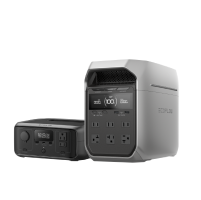
The primary perk of a smart meter is the instant data it offers. Your standard display (IHD) shows the basics like daily totals and your budget, but it can’t always tell you exactly which appliance is draining your wallet. For those who want the full picture, using something like an EcoFlow PowerInsight 2 is a game-changer. It shows your home’s energy flow much more clearly, making it easy to pin down expensive habits and sharpen up your efficiency.
3. Adjusting Household Habits Based on Usage
Watching the display glow red the moment the dryer starts really puts things into perspective. Simple moves, like only boiling exactly what you need for your tea or switching to LEDs, can see your daily usage figures fall straight away.
4. Scheduling Appliances Around Peak and Off-Peak Times
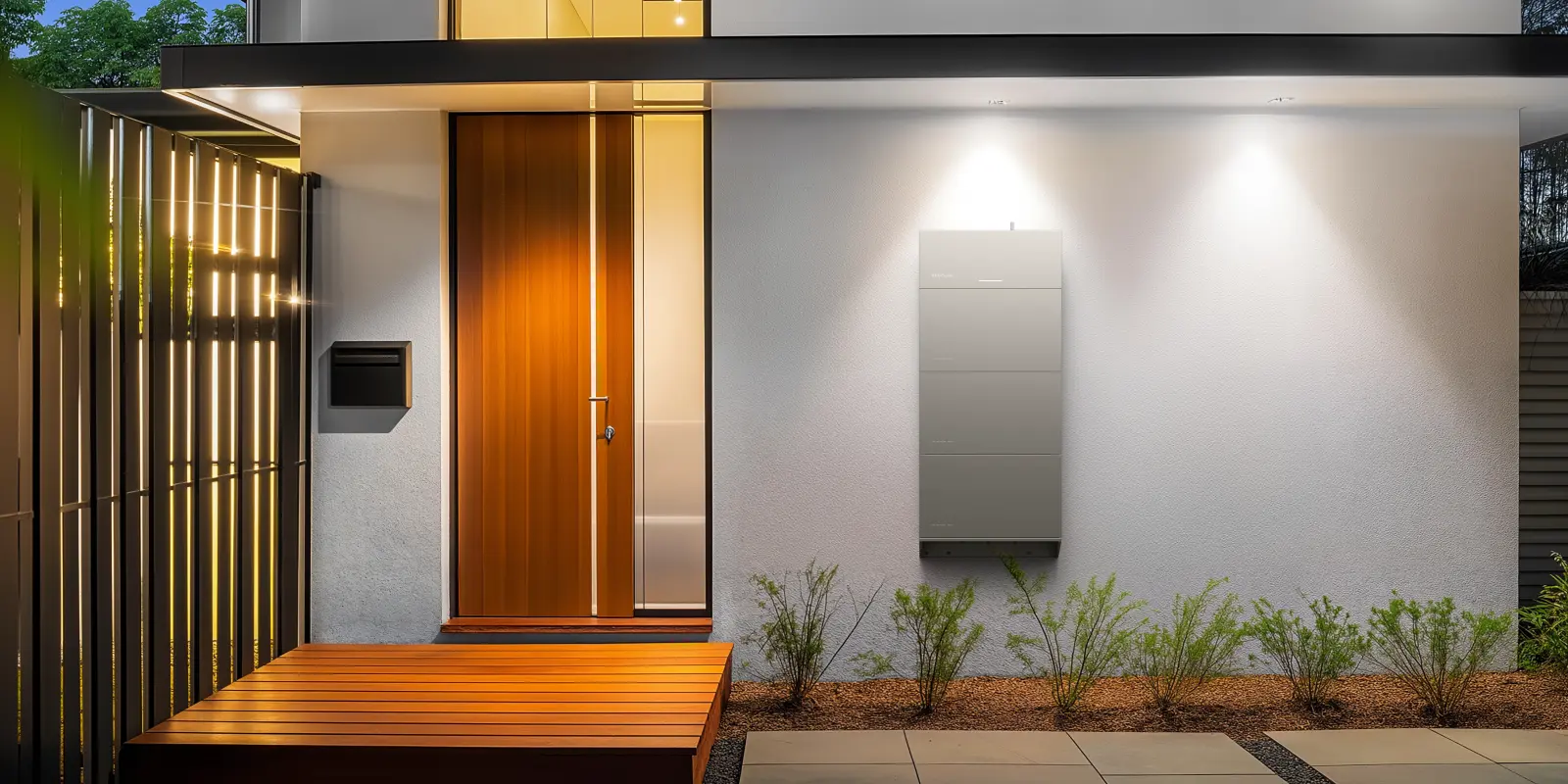
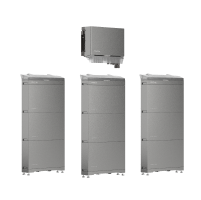
Having a smart meter means you can access cheaper rates at certain times of the day. However, in the real world, it’s hard to avoid using power when it’s most expensive, so "shifting" your habits doesn't always pay off. If you want to properly optimise things, a storage setup like the EcoFlow PowerOcean (Single-Phase) is a great shout. It lets you bank energy when it’s cheap and use it during peak times, giving you a high-tech way to dodge those high costs without having to think about it.
.jpg)
Common Smart Meter Problems and How to Fix Them
Like any tech, smart meters can have the occasional "off" day. Here’s how to handle the most common niggles.
1. Smart Meter Connectivity and Signal Issues
If your IHD shows a "lost connection" message, it’s usually just a range issue. Seeing a “lost connection” warning on your IHD? It’s usually down to distance. Move the display nearer to the electric meter and see if that sorts it. If readings still aren’t reaching your supplier, the meter might be in a weak signal area and need a signal booster.
2. Resolving Billing and Usage Data Discrepancies
If your bill is coming through as “estimated” even after the install, don’t panic. Your meter might not be communicating properly with the supplier just yet. The systems can take a couple of weeks to catch up. It’s worth checking your first few online bills against the figures on your display.
3. When to Seek Support from Your Energy Supplier
Noticing a blank screen or a possible fault? Don’t attempt a DIY fix. Speak to your supplier immediately — they handle maintenance and safety for the meter.
Schedule Your Free Consultation Today!
What kind of product or solution are you interested in?
Conclusion
Choosing a smart meter is a strong first step towards a more sustainable and financially efficient home. It replaces estimates with transparency and puts you closer to your actual energy habits. By combining this data with technologies like home battery storage and advanced monitoring options, you’re not just keeping an eye on usage — you’re optimising it.
FAQs
1. How much does it cost to have a smart meter installed?
Nothing upfront. The cost is actually covered by those environmental levies already tucked away in everyone’s energy bills. So there’s nothing to hand over when the engineer arrives.
2. How long does a smart meter take to install?
Most installations are done and dusted in under an hour and a half. It covers both meters, but give yourself a bit of a buffer if your meters are in an annoying place or if the signal in your area is a bit patchy.
3. Do smart meters need a good mobile signal?
They’ve got their own wireless network for sending readings, so you don’t need to worry about your Wi‑Fi. If mobile coverage is patchy where you live, your supplier will make sure a smart meter is a good fit before installing one.
4. Is electricity cheaper if you have a smart meter?
A smart meter won’t magically slash your bills, but it does give you access to better deals. For example, with a “Time-of-Use” tariff, you pay a lot less if you use electricity during off-peak hours, like in the middle of the night.
5. What do buttons A and B do on a smart meter?
Buttons A and B are used to manually wake up the screen and scroll through your credit or reading history. While most data is sent automatically, these buttons allow you to check your "Total Act Import" (your meter reading) manually if you ever need to provide a reading yourself.

