
How to Read a Smart Meter in the UK: A Complete Guide
Whether you’ve just moved into a new flat in London or you’re a long-time homeowner in the Cotswolds, staring at that little grey box in your utility cupboard can be a bit daunting. Smart meters were supposed to make life easier, but with all those flashing buttons and cycling screens, they sometimes feel like they require a degree in engineering to understand.
In this guide, we’ll break down exactly how to read your UK smart meter, differentiate between the various models, and most importantly show you how to use those numbers to actually slash your monthly energy bills.
What You Need Before Reading a Smart Meter
Before you start pressing buttons, it’s helpful to know what you’re looking at. Not all meters are created equal, and knowing your "SMETS" from your "IHD" is the first step toward energy mastery.
1. Understand How Your Smart Meter Works
Unlike traditional meters that require a manual "read" sent via a postcard or web portal, smart meters use a secure national network to send your usage data directly to your supplier. However, knowing how to read it yourself is vital for double-checking your bills and monitoring your real-time consumption.
2. Identifying Your Meter Type (SMETS1 vs. SMETS2)
In the UK, you’ll likely have one of two generations. SMETS1 are older smart meters that can lose functionality if you change supplier. SMETS2 are newer and stay smart no matter which supplier you choose.
3. Benefits of Reading Your Smart Meter Accurately
Taking your own readings ensures your direct debit is based on actual usage, not an "estimate" that could leave you with a nasty shock at the end of the quarter. Plus, it gives you a clear picture of how much that extra hour of heating is actually costing you. This accuracy is a key part of learning how to save energy at home.
How to Read Your Smart Meter
Ready to dive in? Grab a torch (utility cupboards are notoriously dark!) and let's look at the two main types of energy you're tracking.
1. Reading Your Electricity Meter
Most electric meters have a green "A" or "Select" button. You usually need to press this several times until you see a screen followed by "kWh".
If you’re on a standard tariff, look for Total Act Import.
If you’re on Economy 7 tariff (common in many UK homes with night storage heaters), you’ll need to record two readings: one for "Peak" and one for "Off-Peak."
2. Reading Your Gas Meter
Gas meters are usually battery-powered to stay safe, so the screen stays blank to save energy. Press the red "A" or "left" button to wake it up. You are looking for the number followed by m³ (cubic meters). Ignore any numbers after the decimal point; the supplier only needs the whole units.
3. Deciphering Screen Symbols
You might see symbols like a small "flame" (gas is flowing) or a "signal strength bar" (similar to your phone). If you see a "low battery" icon on a gas meter, it’s time to call your supplier for a free replacement.
How to Ensure Your Readings Are Accurate
Precision is key when you're trying to balance the household budget. Here is how to make sure the data you're seeing is the "real deal."
1. Avoid Common Reading Mistakes
Many people accidentally provide the "Export" reading (relevant if you have solar panels) instead of the "Import" reading. Always look for the number that increases as you turn on the kettle!
2. Use Your In-Home Display (IHD) for Verification
Your IHD is the little screen that sits on your kitchen counter. While the meter outside is the "source of truth," the IHD should match it closely.
3. Keep a Reading Log for Comparison
Whether it’s an Excel sheet or a simple notebook, tracking your weekly totals helps you spot anomalies before they become expensive problems.
Practical Tips to Save Energy Using Your Smart Meter
A smart meter is a great diagnostic tool, but it doesn't save energy on its own—it just tells you where the money is going. To truly lower your bills, you need a strategy.
1. Shift Appliances to Off-Peak Hours
Smart meters often highlight that electricity is cheaper during the middle of the night (Off-Peak). However, let’s be honest: actually executing this is a headache. You aren’t going to wake up at 3:00 AM to start the washing machine or manually toggle your high-drain appliances.
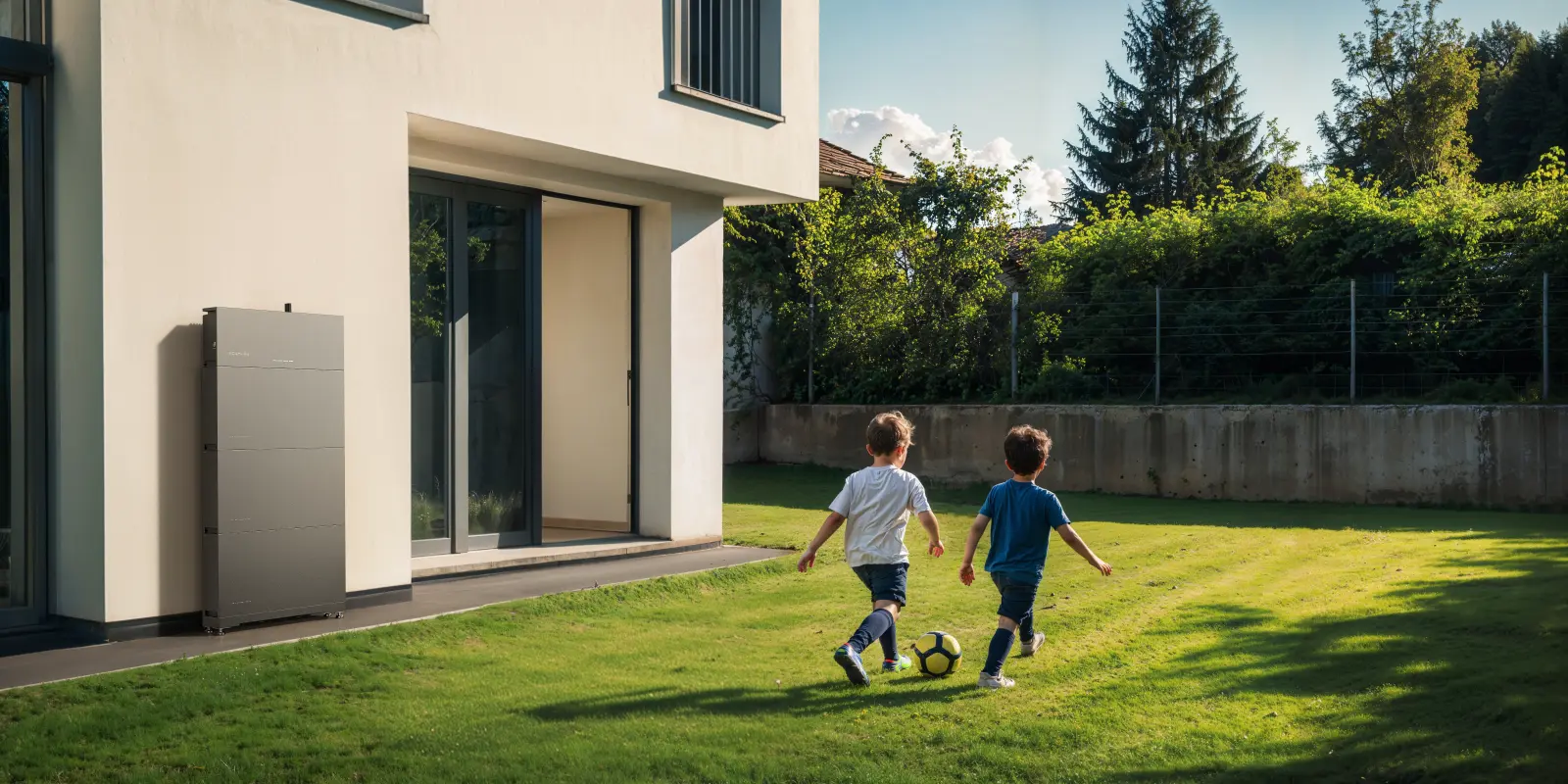
Instead of revolving your life around the clock, the Ecoflow PowerOcean(Single Phase) system can automate this for you. This home battery solution "shops" for energy from the grid or your solar panels during those cheap off-peak windows. With a massive 5–45kWh capacity, it stores that inexpensive power so you can use it during the expensive daytime peaks. Your smart meter will show your usage shifting to the cheapest rates without you lifting a finger.
2. Monitor Your Energy Usage Daily
To unlock the true saving potential of a smart meter, checking it shouldn't be a monthly chore; it should be a daily habit. By watching fluctuations, you can catch "energy vampires"—those old appliances or forgotten heaters—that are silently draining your wallet.
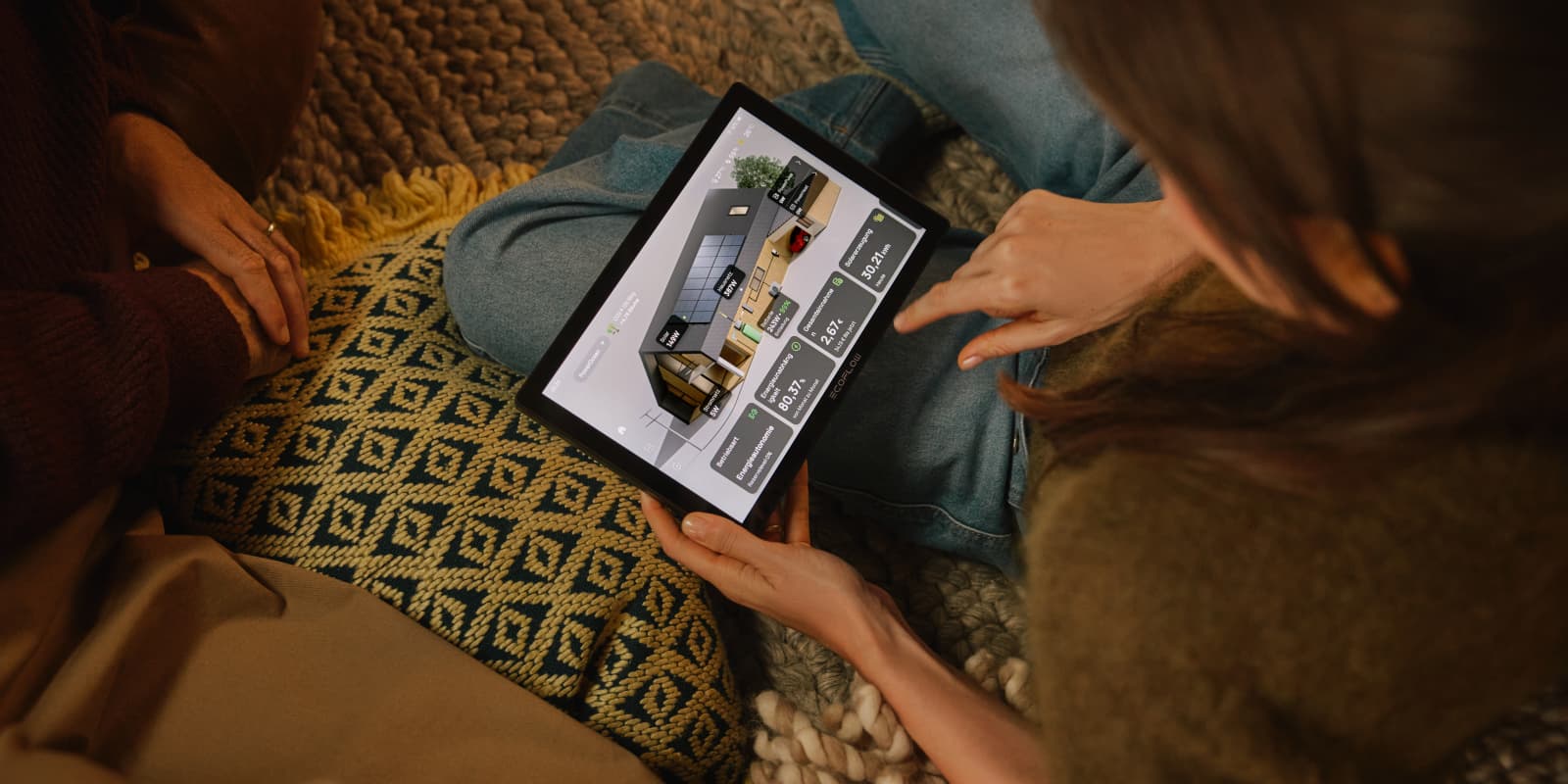
Since most UK meters are tucked away in cold garages or dark cupboards, manual checks are a pain. This is where Ecoflow PowerInsight 2 changes the game. It brings all that data into your living room on a sleek 11-inch screen. Instead of squinting at tiny digits, you get a beautiful, real-time map of your home’s energy flow. It makes monitoring your usage as effortless as checking the weather on your phone.
3. Coordinate Heating and Appliances Efficiently
Try to stagger the use of high-wattage items like the dishwasher, tumble dryer, and electric shower. Understanding the average home power consumption in the UK can help you put these numbers into context. Your smart meter’s "real-time" display will show you exactly how much the "spike" is when these run simultaneously.
Common Smart Meter Issues and What They Mean
Sometimes the tech glitches. Here is what to do when the screen looks funky.
1. Readings Don’t Update in Real Time
Gas meters often only update every 30 minutes to save battery. If your electric meter isn't updating, it might have a temporary connection issue with the national network.
2. Differences Between Your IHD and Meter
If your IHD is far from the meter, it may lose connection. The reading on the physical meter in the cupboard is always the legally binding one for your bill.
3. When to Contact Your Supplier
If your screen is blank and won't wake up, or if the "Total Import" hasn't changed in several days despite you using power, your meter may be faulty.
Schedule Your Free Consultation Today!
What kind of product or solution are you interested in?
Conclusion
Reading your smart meter is the first step toward taking control of your UK energy bills. By understanding your SMETS type and knowing which buttons to press, you move from "guessing" to "knowing." When you pair that knowledge with smart home battery storage solutions like the PowerOcean, you stop just watching the numbers climb and start making them work for you.
FAQs
1. Why isn't my gas reading showing on my smart meter?
Most gas meters stay in "sleep mode" to conserve battery life, so you must press a button (usually the red 'A' button) to wake the screen. Once awake, it may take a few seconds to cycle through to the m³ reading.
2. What does 88888 mean on an electric meter?
An "88888" display usually indicates a lamp test or a reboot sequence where the meter is checking that all segments of the LCD screen are working correctly. If it stays stuck on this screen, the meter may have a firmware fault.
3. How to tell if a smart meter is faulty?
You can tell a meter is likely faulty if the screen is permanently blank, the readings don't increase over time, or your In-Home Display shows a "Connection Lost" error for more than 24 hours. Contact your energy supplier to run a remote diagnostic.
4. How often should I take readings from my smart meter?
You should take a manual reading once a month to ensure your bill matches the meter, even though the device is designed to send data automatically. This helps you spot communication issues early.
5. How do you reboot a smart meter?
You cannot manually reboot the actual smart meter yourself for safety and security reasons; however, you can reboot your In-Home Display (IHD) by holding the power button or unplugging it. If the main meter needs a reset, your energy supplier must do it remotely.

